I’ve used Samsung phones for years, and somewhere along the way, I stopped noticing the small stuff that annoyed me. Little daily frustrations that never quite crossed the line into being a real problem, so I just shrugged and moved on the way you do. You stop questioning them after a while and assume that’s simply how phones behave.
Then, one boring evening, I went digging through One UI’s settings for no real reason, and stumbled onto a few toggles buried a good few menus deep. Nothing Samsung ever bothered telling me about. But each one quietly fixed an annoyance I’d been carrying around for so long I’d forgotten it was even fixable. These three stuck with me the most.
The pop-up that vanished before I could read it
I thought I just read slowly
You know the moment. A notification bubble drops down, you go to tap it, and it’s gone. Or you’re nudging the volume and the slider disappears halfway through. For the longest time, I assumed that was just how fast phones were, and I was the one lagging behind.
Turns out there’s a setting for exactly this. It’s called Time to Take Action, and it determines how long these prompts linger before they give up and disappear.
On my Galaxy S24 Ultra, it’s under Settings -> Accessibility -> Advanced Settings, near the bottom. Here, you can choose between 10 seconds, 30 seconds, 1 minute, and 2 minutes. I’ve got mine on the longer setting now, and I don’t feel rushed by my own phone anymore.
The accidental back swipe that drove me up the wall
Half my swipes went to the wrong place

I use gesture navigation, and for months, the back swipe had a mind of its own. Sometimes it fired when I was just dragging in from the side of an app. Other times I’d swipe to go back, and nothing happened, so I’d swipe again, and again, like an idiot poking at my own phone. I genuinely thought this was just the price of using gestures. It isn’t.
There’s a slider tucked away under Settings -> Display -> Navigation Bar called Back Gesture Sensitivity; tap More options. Drag it one way, and the back swipe stops triggering by accident. Drag it the other way, and it picks up your swipes more reliably. It’s a tiny thing, but finding the right spot on that slider ended a frustration I’d carried around for ages without ever thinking about looking for a fix.
The reel that hijacked my podcast
My earbuds had no loyalty

This one used to genuinely wind me up. I’d be deep into a podcast on my earbuds, pick up the phone to reply to a DM on Instagram, accidentally scroll past a video, and boom, the reel’s audio would come blasting through, killing my podcast mid-sentence. Every single time, I’d sigh and tap the podcast back on. I’d just accepted this as how phones and earbuds worked together. But, turns out, this also has a quick fix.
It sits under Settings, Sounds and Vibration, and it’s switched off by default, so most people never know it’s there. Turn it on, pick the apps that keep hijacking your ears, and route their audio to the phone speaker instead. Now, when a reel autoplays while I’m listening to something, the reel plays out of the phone, and my podcast keeps going on my earbuds, completely undisturbed.


9/10
- Brand
-
Samsung
- SoC
-
Qualcomm Snapdragon 8 Gen 3 for Galaxy
- Display
-
6.8-inch Dynamic LTPO AMOLED 2X, 120Hz, HDR10+, 2600 nits
- RAM
-
12GB
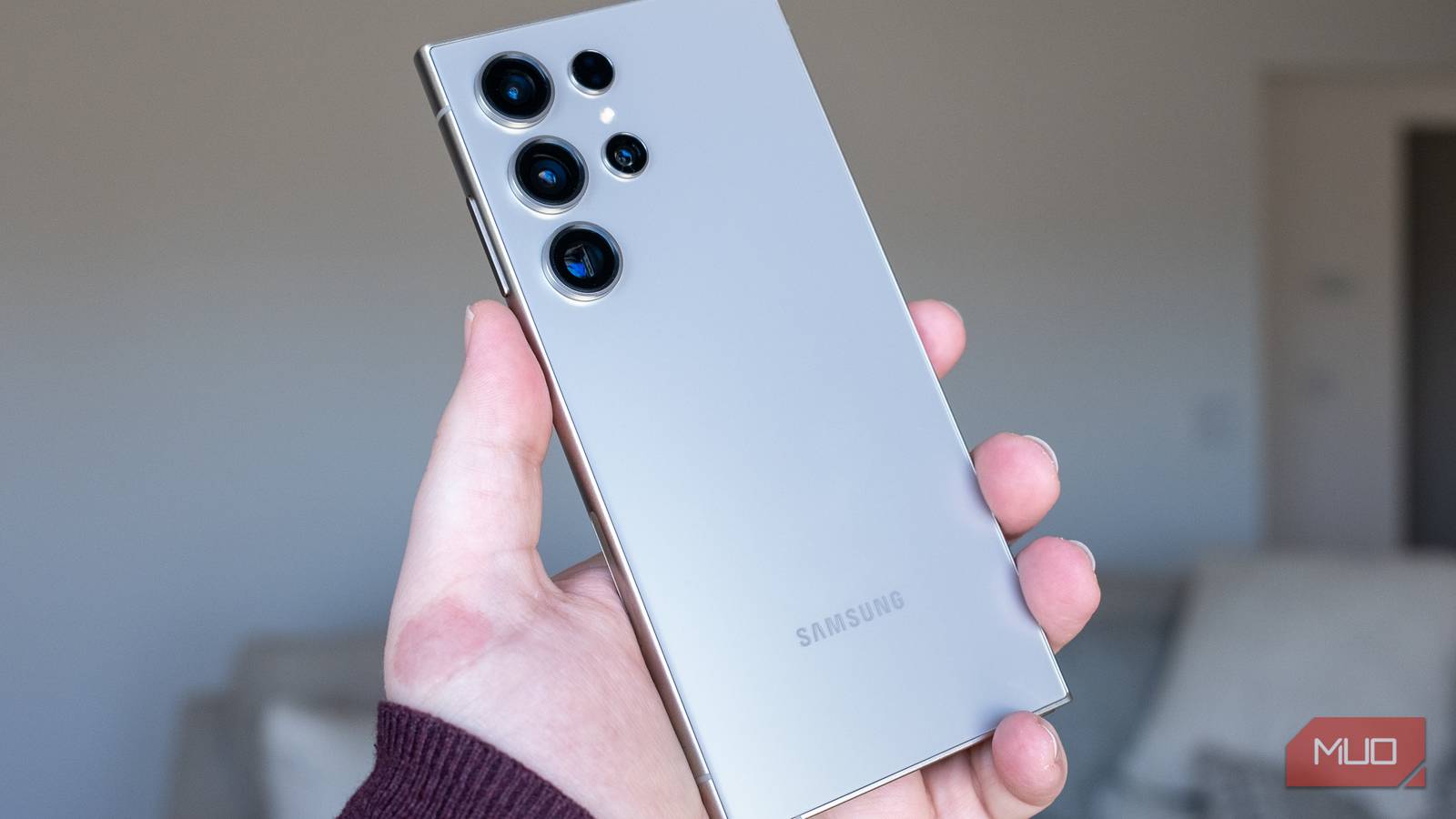
The Samsung Galaxy S24 Ultra is a polished iteration that subtly enhances its predecessors’ strong suits. It sports a more industrial, flat design with a titanium frame and a standout 6.8-inch display that’s brighter and glare-reduced, offering a top-notch viewing experience. The camera system, while showing promise, struggles with consistency, but in terms of performance, it’s a powerhouse with the Snapdragon 8 Gen 3 and a solid two-day battery life.
The good stuff is usually buried
What stuck with me about these three is how ordinary they are. Samsung will happily spend an hour on stage talking about AI photo editing and live translation, but nobody’s ever going to make a song and dance about a gesture sensitivity slider. So they just sit there, buried, waiting for you to trip over them.
And that’s the slightly annoying truth about One UI. It’s so stuffed with features that the genuinely useful ones get lost under everything louder and shinier. The fixes for your most boring daily frustrations are probably already on your phone right now. You’ve just never had a reason to go looking for them. I only found mine because I was bored one night, and honestly, that’s my one bit of advice here. Set aside ten minutes and actually dig through your settings. There’s a good chance something in there is quietly waiting to fix the thing that’s been niggling at you for months.