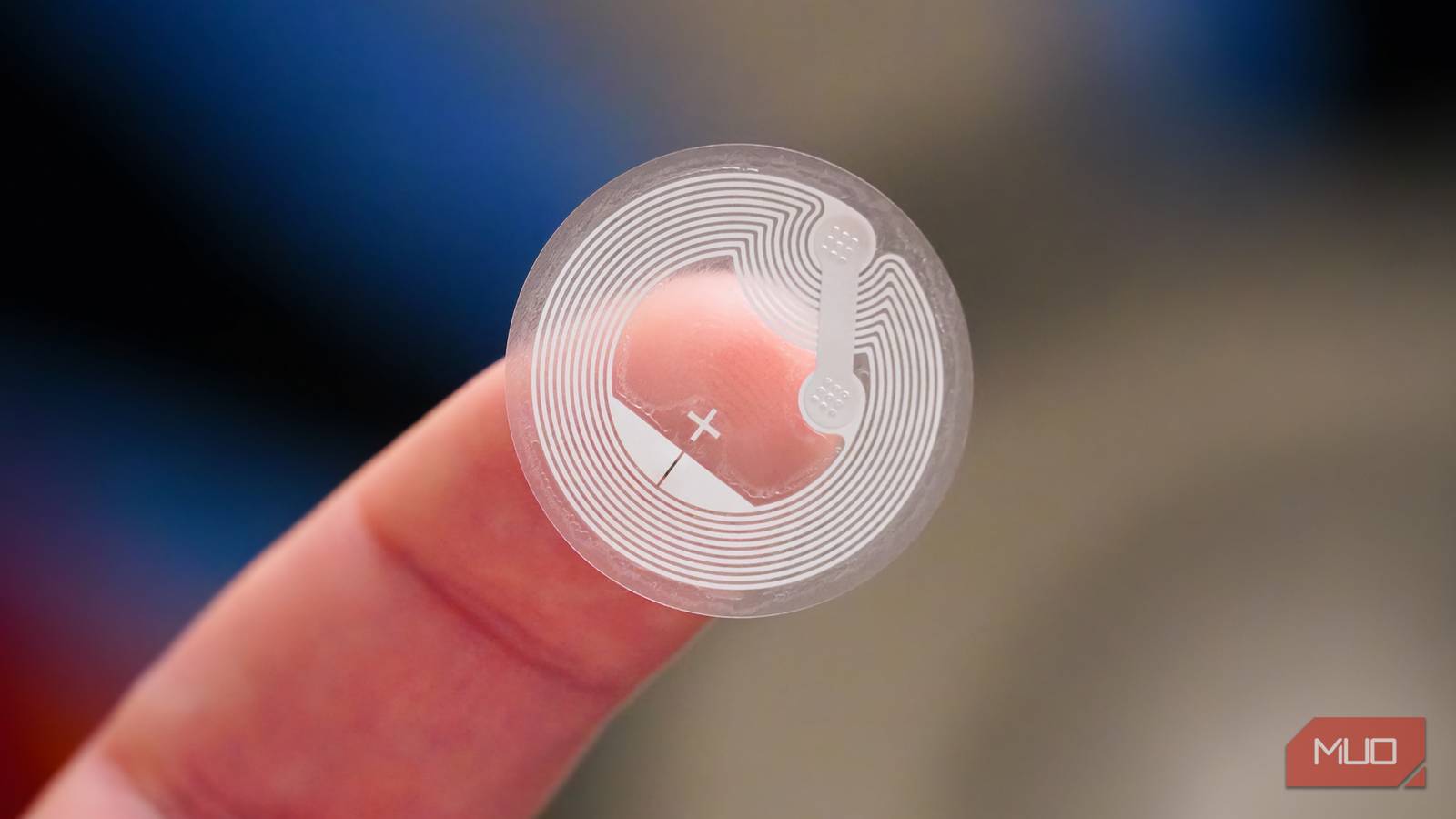
I was always fascinated by the idea of NFC tags, but never really found a good use for them. They’re cool tech, for sure, but do you really need a sticker to turn on your lights? Turns out, the answer is yes, and not just for lights.
Once I started sticking these little chips around my apartment, I realized they solve a very specific problem: the mental load of remembering dumb little tasks. So I put NFC tags on a bunch of things, and now I never have to remember them again.
The tag that arms itself so I don’t have to
No more walking out the door and forgetting
I created a going-away automation for my smart home using Home Assistant that turns off all lights, air conditioners, and arms my Frigate cameras for face detection when I’m leaving the house. But I kept walking out the door without arming the automation, which meant everything it needed to do never happened.
The solution? I stuck an NFC tag near the door handle. Now when I leave, I tap my phone against it on the way out, and it triggers the aforementioned automation automatically. When I come back, the same tag runs a different automation because Home Assistant can tell the difference based on whether the away boolean value I coded in is already true.
Bedtime automation without touching my phone
One tap, and the bedroom handles the rest

One of the most complex automations running in my Home Assistant setup is my nighttime automation that does three things: turns off all lights in my bedroom, arms my custom climate control unit, and switches the active room on said unit to the bedroom. However, this automation needs arming too, and going through a phone app to toggle a task isn’t the kind of thing you want to do just before falling asleep.
One NFC tag on my 3D-printed bedside phone dock fixes this problem entirely. Tapping this tag arms my self-made climate control unit and sets the active room to my bedroom. It also toggles all lights in the room off, including any new ones I add without any additional setup.
A desk that knows what time it is
Warm light for gaming, focused light for work

I have a similar automation running in my office. My desk’s wireless charger has an NFC tag that fires only if the phone is tapped on it during the daytime, triggering my work mode automation. This is similar to the bedroom automation in the sense that it arms my climate control device and sets the active room to my office, but it also gets the lights just right in terms of brightness and warmth to match the time of day the automation was fired on.
The automation then tracks the daylight and adjusts light warmth in my office accordingly. This means I can fire this automation at any point in the day and get the light just right without having to fiddle with dials or buttons.
And if I’m sitting down at my desk after sundown, chances are I’m going to play games or work on my side projects. Since this doesn’t require any “focus” lighting, the lights automatically turn warmer so I can look at the half a dozen screens around me without straining my eyes.
The spool tracker that finally tracks itself
No app-hunting, no typing, just a tap

I run two 3D printers and have a handful of filament spools lying around at any given point in time. Now, unless you’ve bought into the Bambu Lab ecosystem, there’s no easy way to track your filament. I fixed this problem by making my own filament tracker with Claude Code, but I still needed to manually update values in it from time to time.
One NFC tag on both my printers is now set to open up the tracking page on my phone, so I can update filament, check usage, the current print progress, spool weight, and how much filament it’s going to consume without ever typing in a word in my phone’s browser.
A tap instead of ten minutes of digging through notes
Your network map, one tap away at 1 AM
As someone who runs a homelab and is constantly tinkering with network settings, things inevitably break from time to time. Whether it’s a VLAN issue or I need to remember which subnet my Raspberry Pi is sitting on, I would have to dig through my notes or password manager entries that I never really organized.
Now there’s a tag on my router that pulls up a private note with my network map, static IP assignments, and login reminders for my Docker containers. It’s not glamorous, but when you’re troubleshooting at 1 AM and your brain has checked out, having that information just a single tap away instead of 10 minutes of searching makes a real difference.
NFC tags make life easy
None of these are overly complicated setups. Most NFC tags cost less than a cup of coffee, and writing automations for them in Home Assistant or apps like Tasker barely takes a few minutes. And when you remove the daily friction of thinking about a task and actually doing it, you’ll realize you can get a lot done around the house.
NFC tags collapse that gap into a single tap, and once you experience that, it’s hard to go back to fumbling through apps for things your phone should just know to do.