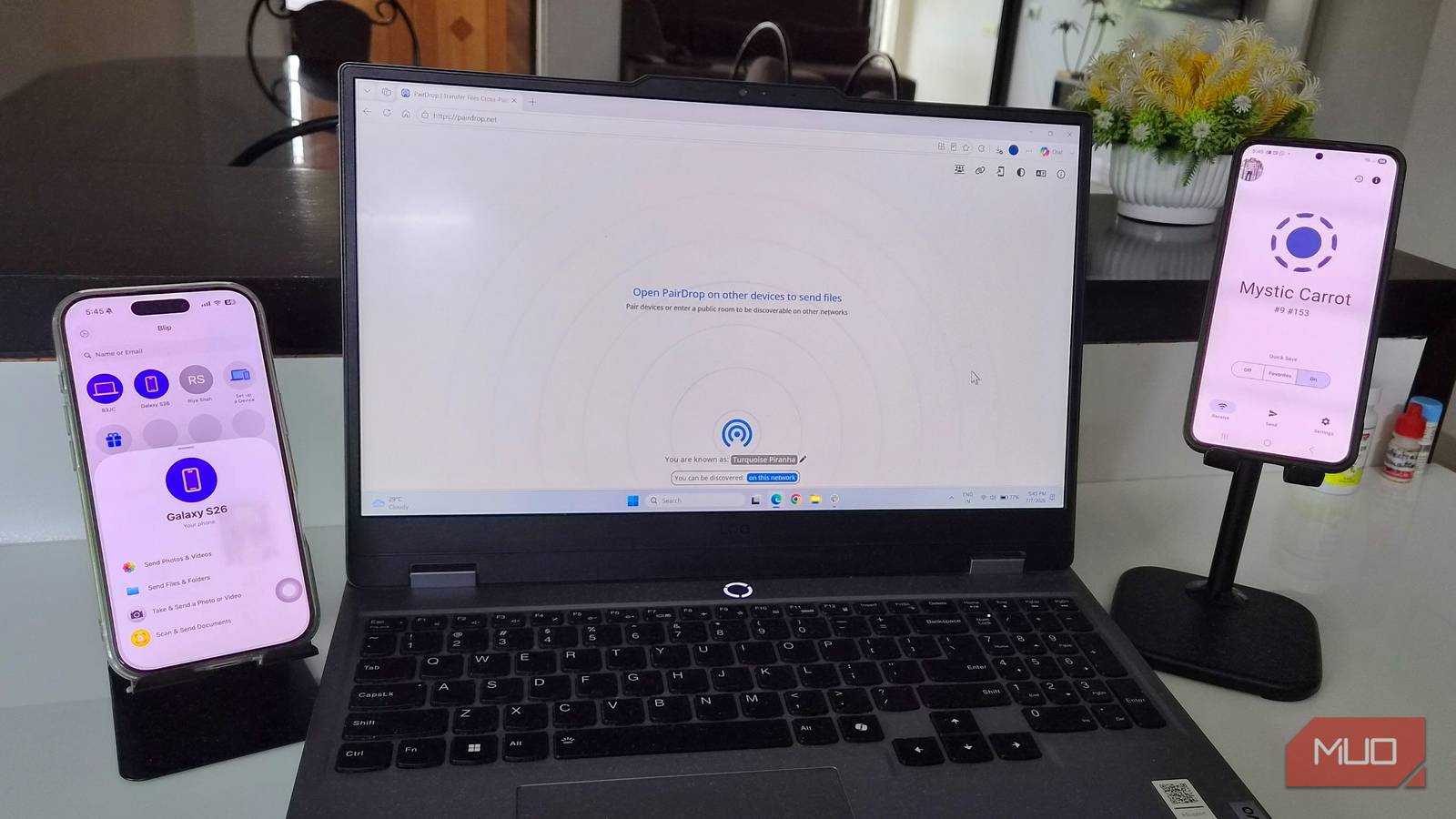
One reason people don’t migrate away from big tech cloud services is the fear of clunky interfaces and the constant need for troubleshooting. This isn’t always the case with modern self-hosted tools. By switching to these open-source options, I stopped relying on big cloud providers, significantly reduced my subscription costs, and finally had total ownership of my data. I also wasn’t giving up many of the conveniences I was used to. You should also start with these six if you are ready to reduce monthly storage bills.
Immich
The first one that made Google Photos feel unnecessary

After switching to Immich, I stopped thinking about it and found myself using the app several times, almost thinking I was still using Google Photos. Of course, it has a different name and logo, but there is surprisingly little to separate the day-to-day experience. I realized how fluid Immich was when I searched for “waterfalls,” and it pulled up the exact photo I needed even though I had not tagged anything.
My Immich installation sits on a mini-PC that’s probably cheaper than a decent pair of headphones. After I had set it up, backups from the phone app happened in the background just like they did with Google, and on its own, it grouped my daughter’s face across three years of pictures. It honestly doesn’t feel like calling it an “open-source alternative” does justice to how good this tool is.

- OS
-
Linux, Windows, macOS, Android, iOS
- Price model
-
Free
Immich is a self-hosted solution that allows you back up, organize, and manage your photos on your own server. It allows you to browse your photos and videos with ease and does not sacrifice privacy.
Nextcloud
I went in for storage and came out replacing four apps
I needed to get my files off Google Drive, so I decided to use Nextcloud. But in just about a week, it also replaced Google Calendar, became the home for my contacts, and these were not decisions that I had made consciously. It only struck me how much Nextcloud had replaced Google’s services when I needed to check an appointment and realized I wasn’t using Google Calendar.
It felt good not to be capped at Google’s 15GB free tier, but the biggest benefit was being able to use a single app instead of four. From the same place, I can share a folder with a friend, check my week, and pull up contacts.
Instead of Google’s infrastructure determining the experience, my own hardware and internet connection now do — factors I largely control. When my home internet goes down, Nextcloud goes down with it, but that trade-off seems fair for the control I have.
Vaultwarden
The switch where nothing about my daily routine changed

Vaultwarden is a community-built Bitwarden-compatible server. When I made this switch, I had to keep reminding myself that it was different software because almost nothing looked different or changed. On my phone, I still open the same Bitwarden app, and on my laptop, I use the same browser extension. The only thing that changed was the server I was communicating with. It was one I owned and managed.
However, backups are now on me, so I have set up a weekly export and have a copy stored offsite; that’s been enough for my setup.
For anyone nervous about self-hosting, Vaultwarden is a good starting point because you’re not learning a new interface, dealing with exporting and importing, or missing out on features you love. It was the easiest of all the switches I made.

- Developer
-
Daniel García
- Price model
-
Free, Open-source
Vaultwarden is a lightweight, self-hosted password manager compatible with Bitwarden clients, designed to run efficiently on low-resource servers.
Jellyfin
My family didn’t notice we’d switched until the bill disappeared

My wife kept watching the same shows on the same TV for several weeks before noticing that our Plex subscription was no longer on our household expense spreadsheet.
I made the switch to Jellyfin because Plex was moving a lot of the features we loved behind a paid plan. But what was more bothersome was that it required an account for us to watch what we had already stored on our hard drive.
Plex is faster to set up for remote viewing, and the apps feel more finished. Also, Jellyfin requires more patience upfront, but once it’s up and running, it doesn’t feel like a downgrade. The greatest win from this switch was that we stopped needing anyone’s permission to watch something already on our drive.

- OS
-
Android, iOS/iPadOS, Android TV, Fire TV, Web browsers
- Developer
-
Jellyfin Community
- Pricing model
-
Free (open-source)
- Initial release
-
December 8, 2018
Jellyfin is a free-and-open-source media-server system that lets you self-host your movies, music, TV shows, photos and more and stream them to any device without subscriptions or third-party tracking.
Navidrome
This isn’t trying to be Spotify, and that’s exactly the point

I started appreciating Navidrome when I stopped expecting an algorithm that tells me what to play next, “Discover Weekly,” or recommendations that follow my mood.
Since Navidrome runs on the Subsonic API, it works with a long list of apps that existed before I heard of it, and I didn’t need to wait for a dedicated client to be built. Even though it runs off an MP3 folder that I hadn’t touched for years, its interface was better than I expected.
It, however, isn’t the tool to use if you need new music handed to you. But once you have your own library, it offers a good way to listen to it. Accepting this allowed me to turn my old, neglected collection into something that I can still enjoy.

- OS
-
Windows, Linux, macOS
- Developer
-
Deluan Alves
- Price model
-
Free, Open-source
Navidrome is a lightweight, self-hosted music streaming server that lets you stream your personal music library from any device.
LocalSend
Three transfers last week that used to take three different apps

This morning, I sent a full video to my iPhone, a photo folder to my laptop, and some pictures to the TV. These are three separate transfers to separate platforms, and none of them needed the cloud or a logged-in account. This is LocalSend’s biggest selling point.
The tool works across all the devices I own: Android, iPhone, Windows, Mac, and Linux, far more than I can ask of AirDrop and Quick Share. However, you need the devices to be on the same network for LocalSend to work.
Of all the switches I made, LocalSend was the one that nobody in my house needed to be talked into. Once everyone installed it, it became the default way we moved things.

- OS
-
Windows, macOS, Android, iOS, Linux, and Google TV
- Price model
-
Free
LocalSend is a free, open-source file transfer app that uses your local network to send files instantly and reliably between Windows, macOS, Linux, Android, and iOS devices without needing the internet.
Breaking up with big tech was surprisingly easy
Do I miss my cloud services? I have used Google Photos, Google Drive, Google Calendar, Google Contacts, Bitwarden Cloud, Plex, Spotify, AirDrop, and Quick Share for years. I was accustomed to them, and I worried the alternatives would require a lot of adjustment. I was wrong. In some cases, I had to remind myself that I had made the switch.
The reality is that open-source has matured a lot over the years. The apps are far more polished now, and by repurposing my old laptop to run them, I didn’t have to incur additional expenses.