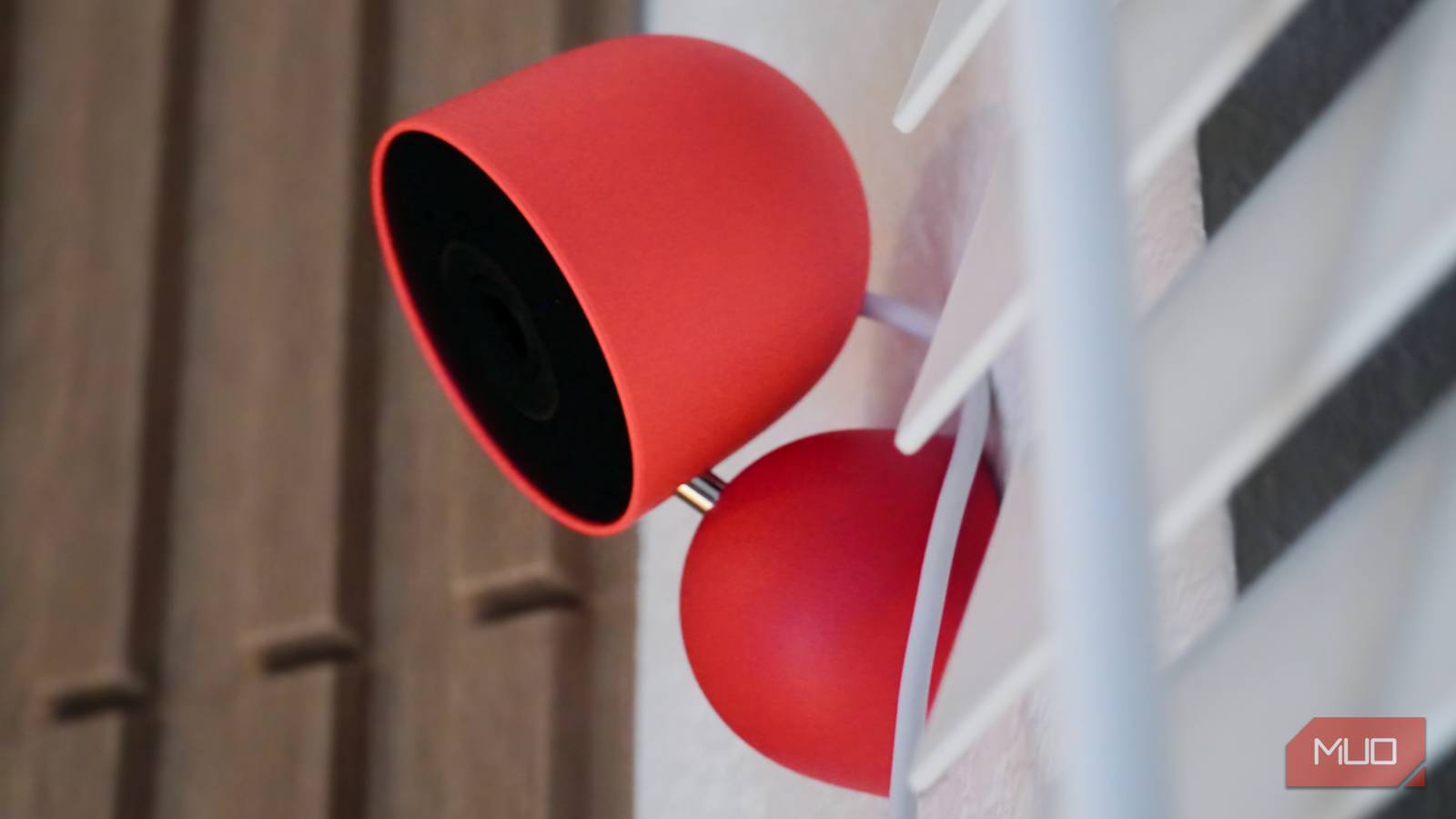
I switched from Apple HomeKit Secure Video cameras to Google Nest cameras earlier this year, and I couldn’t be happier. My entire smart home, from the doorbell camera in my entryway to the thermostat controlling my HVAC system, now runs on the Google Home ecosystem. Everything is in one place, and Gemini can quickly answer questions about what my security cameras saw throughout the day. However, there are two things I missed about the TP-Link cameras I replaced.
Google’s wired, third-generation Nest Cam Indoor doesn’t have a physical privacy shutter or end-to-end encryption (E2EE) support. The Tapo C125 I replaced had both a physical privacy shutter and E2EE by way of HomeKit Secure Video, and both were a big loss. As a result, I found myself leaving the Nest security cameras unplugged half the time to guarantee privacy at home. That was until I 3D-printed a helpful privacy cover for the Nest Cam Indoor that gave me more peace of mind, using only a few grams of filament.
Nest cameras are missing a crucial privacy feature
Making matters worse, they lack end-to-end video encryption
The Nest Cam Indoor has a status light that tells you when it is actively streaming or recording. If it’s solid green, you know that the camera is working, connected to Wi-Fi, and streaming or recording video. The light can also pulse green, and this lets you know when someone is actively watching the video stream using the Google Home app or another device. If the light is off, that means the camera isn’t streaming video or isn’t connected to power.
The status light is a helpful indicator, but every indoor security camera should have a physical privacy shutter. When the camera is covered, I know for sure that it can’t see or record my home environment. My old Tapo C125 camera had a physical privacy shutter, but it wasn’t perfect either. The shutter can be opened or closed remotely using the Tapo or Apple Home apps. Theoretically, someone else with access to my Apple Home could open the shutter without my knowledge. A physical shutter that can’t be controlled remotely via an app is the best for privacy.
The Nest Cam Indoor doesn’t have a physical privacy shutter of any kind, and that wouldn’t worry me as much if it had end-to-end encryption. The cameras use 128-bit AES encryption with TLS/SSL to secure your video. Since the encryption isn’t end to end, Google could view your personal recordings. Amazon and Apple both offer end-to-end encryption, meaning those companies can’t see your videos even if they wanted to when E2EE is enabled. Google can, and it’s a major privacy issue. This doesn’t mean the company is actively doing that, but it even being possible is something worth your concern.
You might be wondering why I’ve chosen to put Nest cameras in my home at all, given the risks. It’s a fair question. I’ve chosen convenience and cross-platform support over privacy. To protect my privacy, I only allow my Nest cameras to record when no one is home. But without a physical privacy shutter, I couldn’t be sure — until I printed a cover of my own.
I printed a simple privacy cover for my Nest Cam Indoor
It took a few grams of filament and less than an hour of print time
I bought a third-generation Nest Cam Indoor for all its features, including 2K video and Gemini for Home camera support. I always planned to add a physical privacy shutter to it, and counted on Bambu Lab’s MakerWorld community to fill the gap. Lo and behold, I found a simple print from MakerWorld user The Odd Job that does just that. It’s incredibly thin and light, and it fits the top of my Nest Cam Indoor like a globe.
When the camera is covered, a slim layer of PLA (or the filament material of your choice) shields the camera. This guarantees no one can see into your home, even if the camera is remotely turned on. When you want the camera to record, the cover rests atop the Nest Cam Indoor. There’s a cutout for the power cable that insures the cover sits nicely atop the camera without slipping. It works better when your camera is angled downward, but it still didn’t shift when I rested it on top of my Nest Cam Indoor pointing straight ahead.
What I love about this specific print is how cheap and quick it is to print. It only uses eight grams of PLA filament, which is going to cost you literal pennies. It also takes just 42 minutes to print, so you don’t have to wait long for yours to finish. Due to the thin form factor of this print design, you’re going to want to let it cool before taking it off your 3D printer’s bed. If you pick it up while it’s still hot, the cover will warp — don’t ask me how I know.
All told, this was a quick-and-easy fix for a problem that had bugged me about my Nest cameras from day one. I don’t have to look for status lights or question whether my security cameras are still recording thanks to having a physical privacy cover shielding my camera lens once again. If you’re looking for an even quicker and more basic print, there’s one on MakerWorld that completes in just 15 minutes.
A cover isn’t the only thing you can print for Nest cameras
There are stands, mounts, and covers designed for indoor and outdoor cameras

If you have a Nest security camera, you probably shouldn’t stop at printing a privacy cover with your 3D printer. The MakerWorld community has a ton of exciting projects that’ll help you make the most of your cameras. There are wall mounts, stands, window sill mounts, and even birdhouses designed for your cameras.
One particularly neat project adds a mount with articulating arms, so you can angle and position your Nest camera exactly how you’d like. This fixes another minor gripe I had with my Nest Cam Indoor, because the stock mount and tilt apparatus have a limited range of motion. Nest cameras aren’t perfect, and with a 3D printer, I was able to address my biggest concern with mine.