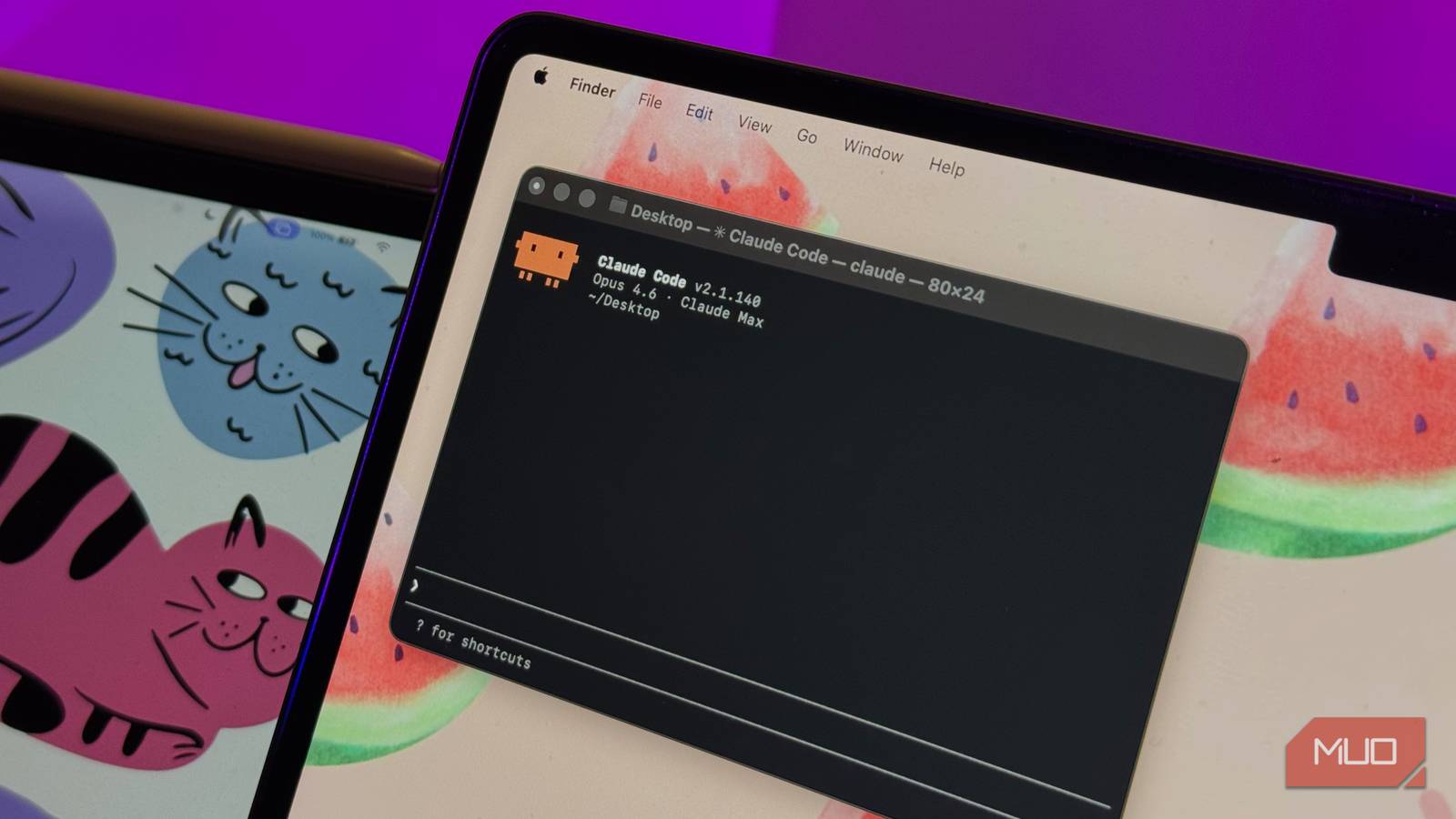
Claude Code is undoubtedly one of Claude’s best products. And we’d rightfully assume that you cannot use the AI coding tool without a paid Claude subscription. Nevertheless, I’m sure you’d wish you could use another — probably cheaper — model with Claude Code. I know I do, every single time I hit the session or weekly limit.
Wouldn’t it be so cool if you could use Claude Code with another (probably free) AI subscription or API, though? I thought this was just a dream, but I realized that you can do it. I recently came across a tool called Claude Code Router, and it’s let me break Claude Code out of its subscription. The best part? Everything was so easy!
Claude Code Router is the fix Anthropic doesn’t offer
A desktop app, not a subscription upgrade

As you may have guessed, Claude Code Router is not affiliated with Anthropic — not that Anthropic would offer something that helps people move away from a paid subscription. On the contrary, this open-source tool, built by Musi Studio, helps you route Claude Code and other tools through a local endpoint rather than the default cloud-based option. Let me explain.
While Claude Code is designed to connect to Claude models, Claude Code Router can route it so that Claude Code can use another AI model via API. The system supports dedicated AI platforms such as OpenAI, Anthropic, and Google Gemini, as well as unified API gateways like OpenRouter. This lets you choose from a wider variety of free and paid AI models to suit your needs.
Although the tool is named Claude Code Router, you can also use this app to route requests from other agentic coding platforms. Some options include Codex, Kimi CLI, Grok CLI, OpenCode, Pi, and Claude Design. In other words, I’ve found that Claude Code Router makes it feel like you don’t need platform-exclusive paid plans to make use of coding agents from most AI companies.
Unlike most tools I’ve come across in this category, however, Claude Code Router is available as a polished desktop app, and it makes all the difference.

- OS
-
Windows, macOS, Linux
- Individual pricing
-
Free, Open Source
- Developer(s)
-
Musi Studio
Claude Code Router is a local model proxy and gateway tool that allows you to route Claude Code and other agents through various AI APIs and endpoints
Setting up the desktop app took 2 minutes on my Mac
Download, launch, connect, done
I honestly expected the configuration process to be pretty extensive, given what the utility does. To my surprise, I set everything up on my Mac in two minutes, including downloading, launching, and connecting. Claude Code Router keeps everything so simple that I launched the desktop app, added a few AI providers to the list, and created different profiles. I really appreciated how much control I had over the entire process.
The first thing I did was try to create a profile that forces Claude Code to use the Codex API instead of the Anthropic API, as it normally does. When I set up this profile, I had a number of important settings to select:
- Effect scope: I can set it to apply globally, so the routing works whenever I open Claude Code, or only when I open it from the Claude Code Router app.
- Entry mode: I can choose whether to launch the profile through the Claude desktop app or the command-line interface.
- Default models and options: CCR also lets me choose the default models for each agent
You can then launch these agent profiles using the CLI command or the button next to the profile. The possibilities are endless here, in case you are wondering. For instance, I’ve created several Claude Code profiles that let me use different AI models and billing systems as needed. This way, I can launch one profile and use my Claude API when I run out of my Claude session limit, whereas another profile lets me use a free model from OpenRouter or NVIDIA.
In addition, you can set up models and profiles as failover mechanisms. This option seemed so effective when working with multiple AI models from different providers, and we want maximum uptime. Claude Code Router lets you configure rules and actions either by describing the condition or by using a Node.js script.
Routing to Gemini and GPT felt nothing like stock Claude
What worked, what broke, and where I noticed

Now, Claude Code Router makes it effortless to break Claude Code out of the paid subscription, but the question is whether you always want it to. I won’t lie to you: I was expecting the Claude Code experience without a Claude subscription to be somewhat similar to what I had experienced with the paid subscription. However, after routing the entire ordeal through Gemini and GPT models, I noticed more differences than I expected.
First, I didn’t have access to many of the Claude-specific features I enjoy in this command-line interface. More importantly, because these features were unavailable, complex agentic tasks were mostly incomplete, or the results were not preferable. If, like me, you have also been using Claude Code for a while, the shift to a non-Anthropic AI model would have been a little too much because you would not have a similar experience in the long run.
Even so, I don’t use Claude Code exclusively for coding. I often use it for other purposes, like writing PPTs and a variety of tasks. Because I could easily connect to a free or cheaper AI model, I could get these tasks done, even though it meant waiting a little while longer. So, if you want to try the essential Claude Code experience without actually paying for a paid subscription from Anthropic, you should try this open-source utility.
Where this setup falls apart
I can’t help but appreciate what Claude Code Router offers people who think a paid Claude subscription is a restriction. The open-source utility makes it exceptionally easy to set up providers, profiles, and other settings to route Claude Code and other agentic AI tools through a third-party system. Yet you must also understand the limitations and cost concerns when setting up multiple providers. On the bright side, however, you can always check what free AI models can offer — or set up an AI model on your device!