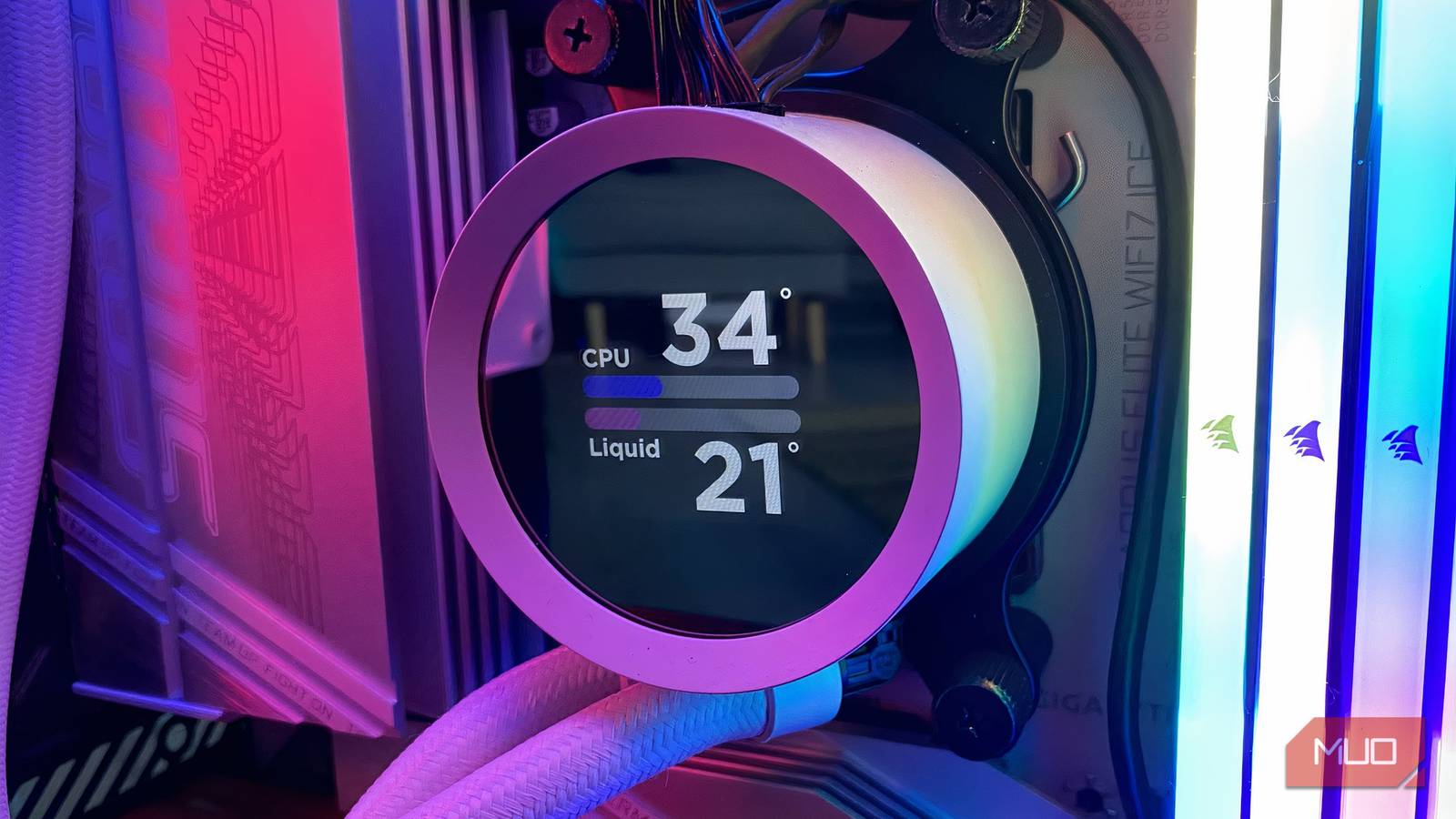
Like many others, I used to think TDP (Thermal Design Power) referred to a component’s peak power draw until I unwittingly chose a PSU for my PC that later proved insufficient.
Contrary to popular belief, TDP has nothing to do with power draw. Instead, it serves an entirely different purpose, which is for cooling.
Even so, manufacturers also define it differently, which makes it even more confusing.
TDP is a cooling spec, not a power rating
The number tells you how much heat your cooler has to handle

TDP is used to describe the heat that a cooler must dissipate. Generally used for CPUs (GPUs use TGP/TBP), the common assumption is that TDP measures a component’s power draw, but the reality is that it’s a thermal specification.
More specifically, TDP estimates a component’s heat output, and you can use that information to choose the right cooling solution for your PC. However, this can get confusing because TDP is measured in watts, since all the heat generated comes from electricity. The only relation it has with power consumption is that components with higher TDP will consume more power.
Intel and AMD don’t define TDP the same way
An 80W label can mean very different things depending on the brand
To complicate matters further, manufacturers measure TDP differently. Historically, Intel has used TDP to define heat dissipation at Intel’s defined high-complexity workload.
Intel used this on CPUs predating its 12th Generation CPUs, and it has since replaced it with Processor Base Power (PBP) for base frequency and Maximum Turbo Power (MTP) for turbo frequencies.
On the other hand, AMD uses TDP to represent thermals under their own defined conditions. So you can have two different CPUs from AMD and Intel rated at 80W TDP, but they’ll have completely different power draw because TDP isn’t universal across brands.
The same concept applies to SoCs and APUs, and it describes heat output that can be calculated differently depending on who made it.
The real power limits sit behind the label
PL1, PL2, and PPT show what your CPU actually pulls
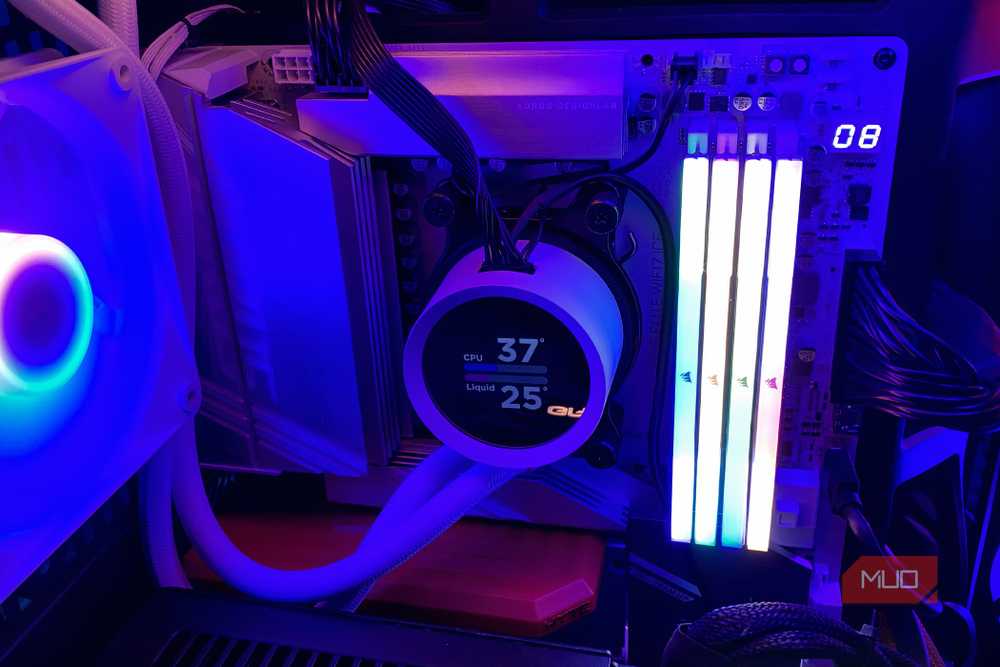
A CPU’s real power draw is much more variable. An Intel CPU like the Core i9 14900K might be advertised at 125W, but that’s just for base clocks represented by PL1, and under a heavy workload, it can use twice that amount.
The same CPU draws significantly more power under PL2, which is under boost clocks, even if only briefly. This is because a CPU can’t hold boost clocks indefinitely without hitting thermal or power limits.
For AMD, power draw is typically represented by SPL, the equivalent of Intel’s PL1. AMD CPUs don’t have a short-term boost limit like Intel’s PL2. AMD uses PPT as the total power draw for Ryzen CPUs, so you should use that when calculating the CPU’s power for a new PC build.
Aside from that, you can also calculate the total power draw of an AMD CPU by multiplying the TDP by 1.35 (for AM4 platforms and above).
What to check before buying a cooler and PSU
Match the cooler to boost power and size the PSU with headroom

TDP is a rough reference for thermal design but a poor metric to use when deciding on a cooler for your CPU because, sometimes, it doesn’t account for turbo speeds. My recommendation is to look for PL2 or Maximum Turbo Power (for Intel) and PPT (for AMD) to pick the right cooler for your CPU so you don’t risk thermal throttling and ultimately losing performance.
For power draw, check PPT (for AMD CPUs) and PL2 (for Intel) to calculate your CPU’s maximum power, since the cooler and PSU now use the same figures, making it easier to choose the right components for your PC.
When getting a new PC, leave at least 20–30% headroom above the total calculated power draw for your PC so your PSU can cover transient spikes, keep it not fully utilized, extend its longevity, and also leave room for future upgrades.
Laptops and prebuilts rewrite the rules
While manufacturers set the TDP for the CPUs, laptop and OEM manufacturers can change that limit and set their own cooling limits.
The reason why that is so is that budget laptops and smaller OEMs might have a thinner heatsink, so it can’t really cool the CPU/SoC as per the manufacturer’s recommendations.
So, these machines may get their clock/boost speeds locked at a lower level to prevent the CPU/SoC from climbing high in temperature, to keep temperatures in check and trade off performance.
This is why two laptops with the same CPU can perform differently, depending on their cooling configuration.