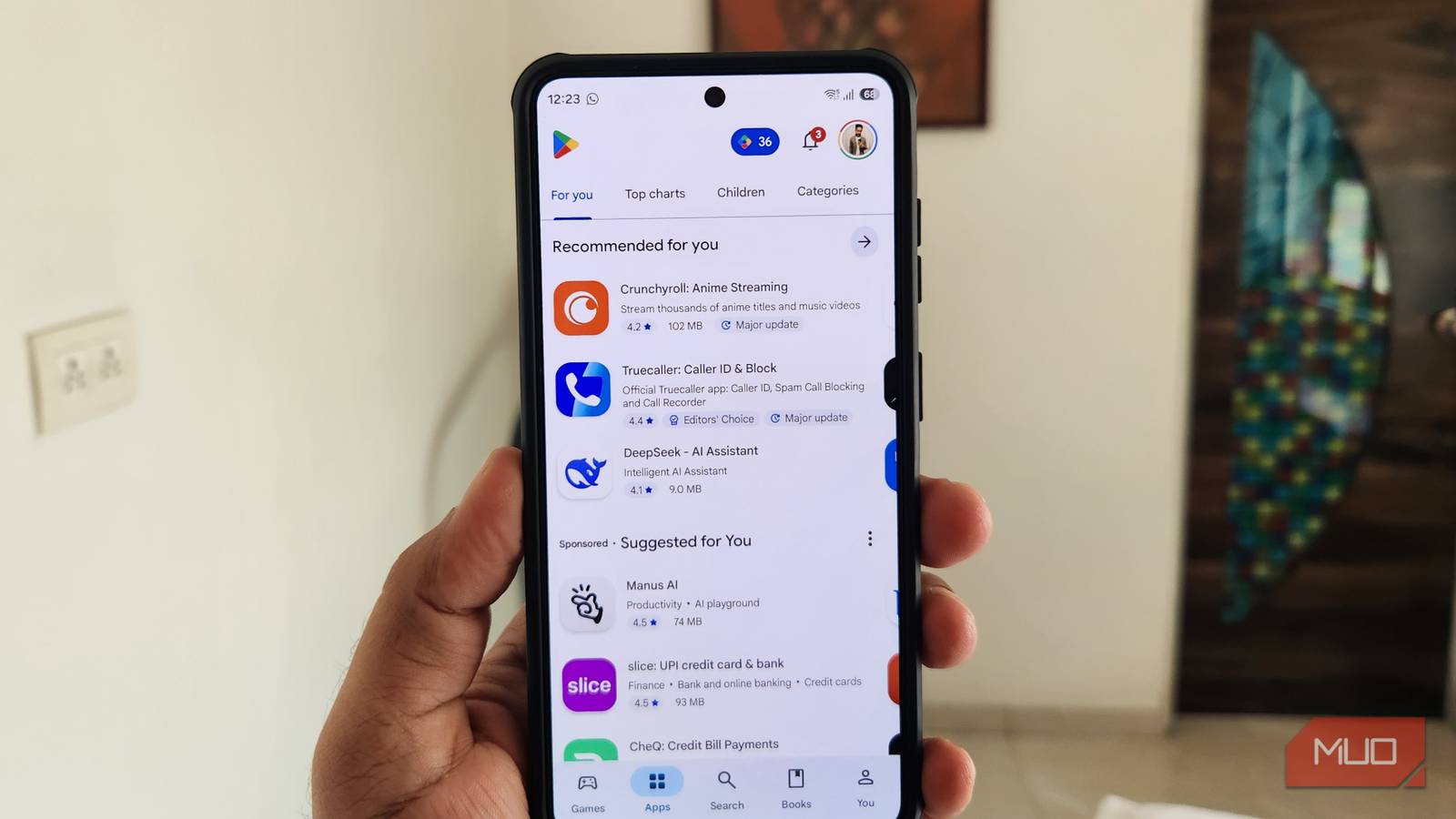
App size used to matter a lot more than it does today. But it’s not just about storage. When an app is unnecessarily large, it’s almost certainly carrying extra features and bloat that most people don’t need. Thankfully, not every app is like that. There are a few Android apps that only focus on the stuff that actually matters, and that’s what helps them stay lightweight while still punching well above their weight.
Simple Keyboard
Stripped down to just the keys

I’ve tried almost every popular keyboard app out there, and one thing they all have in common is they’re full of features most people don’t care about. I don’t blame them, though. Adding unique features is probably the easiest way to attract new users.
Simple Keyboard is the complete opposite. It’s bare-bones and skips almost all the extras. There’s no clipboard, swipe typing, spell check, or AI bloat. Heck, it doesn’t even have emojis, GIFs, or stickers. It only offers a few themes, height adjustment options, and gestures like swipe to delete.
Now, this might sound almost insultingly basic, but that’s exactly the point. Your keyboard is where you type some of your most sensitive information, like passwords, messages, searches, and bank details. Simple Keyboard doesn’t collect any of that data, not even for diagnostics. It doesn’t require internet access or any other permissions except for vibrate. It’s perfect for anyone who just wants a keyboard to type and absolutely nothing else.

- OS
-
Android
- Price model
-
Free
KISS Launcher
A boon for old phones

It’s not just keyboard apps that try to do too much. Most third-party launcher apps are just as guilty. And the biggest problem with all those extra features is they take a real toll on the performance, especially on older or mid-range phones. That’s why I like KISS Launcher so much. It’s only 250 KB in size and focuses more on functionality than looks.
The entire launcher only has two screens: the home screen and the app drawer. There are no news feeds, widgets, or multiple home screens. One of its best features is the search bar. It’s not just for opening apps — it can pull up your contacts, show specific settings, bring up certain app features, and even run web searches.
That kind of universal search is something you only get on specific Galaxy phones and Pixel devices, but KISS Launcher brings that experience to almost any phone.
Open Camera
Everything you need, nothing you don’t

I’ve always felt that camera apps on most Android phones are unnecessarily bloated with AI scene detection, beauty filters, cloud backup prompts, and other extras most users don’t care about. All of that also makes the camera experience a bit laggy at times.
If the built-in camera app on your phone feels overcomplicated, Open Camera is the best free alternative out there. It’s a fully featured, no-nonsense camera app that supports burst mode, RAW shooting, HDR, and even automatic noise reduction.
What I like about Open Camera is how it puts all the useful controls front and center. There’s almost nothing hiding behind tabs or nested menus, so you don’t have to go looking for the option you want to use. My favorite feature, though, is Auto Level, which automatically straightens your photos after you take them.
The only thing about Open Camera is that its interface isn’t the most modern-looking, but if you don’t mind that, it’s a solid camera app at just 5 MB.

- OS
-
Android
- Price model
-
Free, Open-source
Open Camera is a free, open-source Android camera app that gives you manual controls and pro features without ads or paywalls.
URLCheck
No need to think before you tap
If you’ve ever felt uneasy before clicking a link in a message, email, or anywhere else on your phone, URLCheck can help. It acts as an intermediary between that link and your browser and tells you what’s actually in it before anything loads. It can unshorten links, strip tracking parameters, check domains against malware databases, and even scan links on VirusTotal. All of this happens before your browser ever sees the link.
Once you’ve installed the app, you’ll need to set it as the default browser. After that, any link you try to open will first go through URLCheck. You can then decide if you want to open it in a cleaned-up form or leave it as is. The app even lets you make an exception for the sites you trust, so it doesn’t get in the way unnecessarily.

- OS
-
Android
- Price model
-
Free, open-source
URLCheck is a lightweight Android privacy app that intercepts links before they open, letting you inspect, clean, and control URLs. It strips tracking parameters, blocks unwanted redirects, and lets you choose which app opens each link.
NetGuard
The internet off switch Android never gave you

One iPhone feature I miss every time I use an Android is the ability to cut off mobile data for specific apps. Sure, not everyone needs this, but it can be a lifesaver if mobile data is expensive where you live.
NetGuard is a free, open-source app that lets you block specific apps from accessing the internet entirely, either over Wi-Fi, mobile data, or both. Open it up, flip through the toggles next to whichever apps you want to restrict, and you’re done. There’s even a master switch that lets you disable all the restrictions temporarily.
Besides saving data, it also stops useless background apps from chewing through your battery. It barely takes more than 3 MB and doesn’t require root access, which is what makes it so easy to recommend.

- OS
-
Android
- Price model
-
Free, pro version available
NetGuard is an open-source app that lets you disable internet access for specific apps on your Android phone.