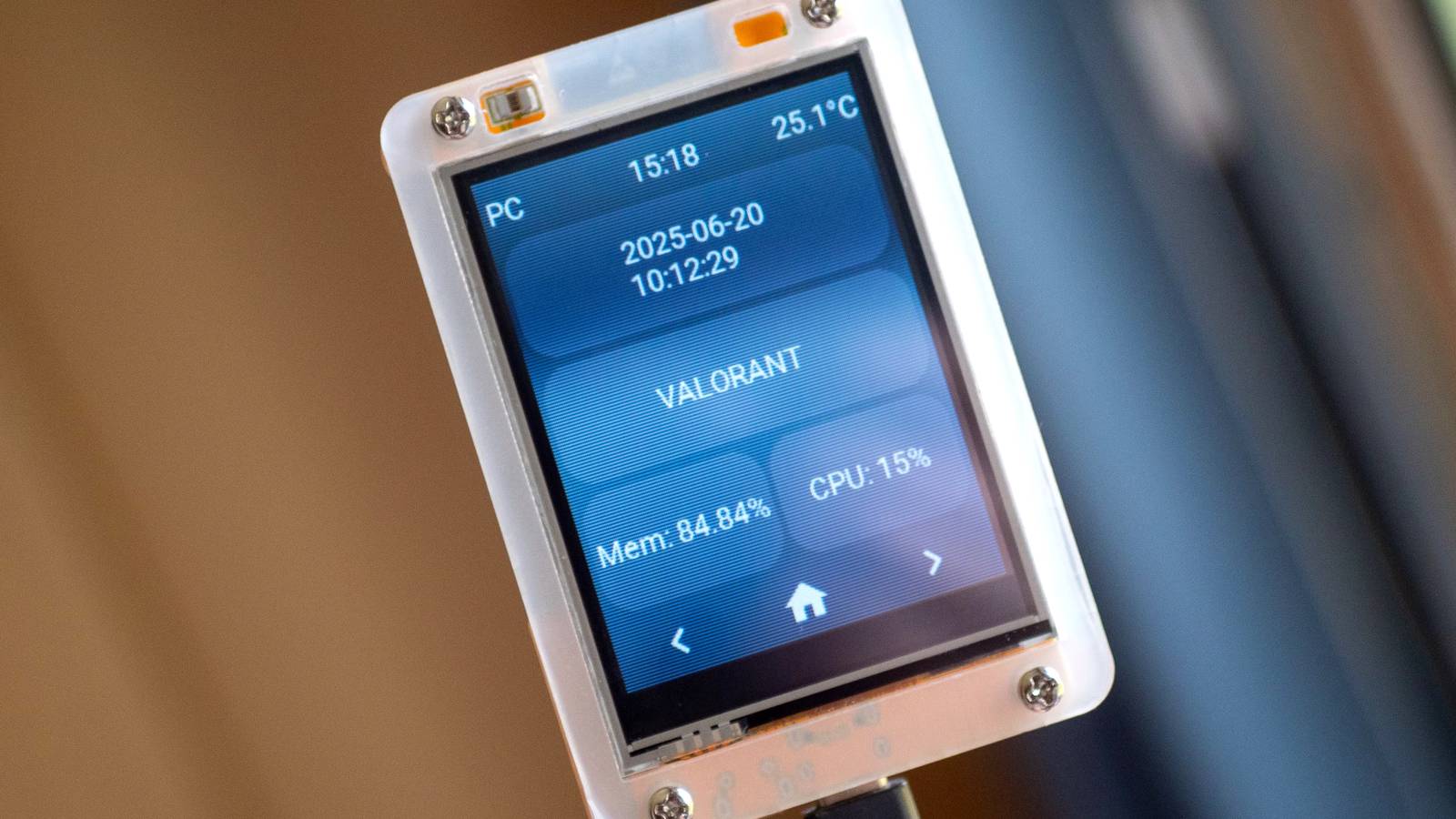
If you’re not a fan of Flock Safety cameras and other unknown sources watching you in public areas, SquachWatch might just have what you need. It is free, open-source firmware that turns an ESP32-2432S028R (AKA the “Cheap Yellow Display”) into a standalone detector for surveillance gear and trackers.
It works by scanning Wi-Fi and Bluetooth signals for signatures associated with Flock Safety license-plate readers, Ray-Ban Meta glasses, Axon equipment, Ring cameras, AirTags, drones, and more.
SquachWatch can tell if cameras are watching nearby
And it does so without having to share your location with anyone

Previously, I wrote about this Google Maps alternative that shows surveillance cameras around you. That app works by showing you reported surveillance cameras nearby, along with cone-shaped visuals that tell you which direction they are pointing.
However, SquachWatch comes with two advantages over navigation apps. First, someone has to report a camera before it appears on such maps. SquachWatch instead relies on signals to identify nearby surveillance gear and alert you to it. Moreover, the board doesn’t need to connect to a Wi-Fi network while scanning. So, if you want to keep your data private, SquachWatch allows you to locate nearby cameras and trackers without sharing your location with a third party.
By listening to identifying details that certain devices broadcast over Wi-Fi or Bluetooth, SquachWatch can recognize surveillance and tracking devices. Such tells include network names, Bluetooth service identifiers, manufacturer IDs, and hardware-address prefixes.
When it spots a match, the Cheap Yellow Display gives you an alert with the device type, vendor, broadcast name, MAC address, and signal strength. If you’re in the mood for detective work, you can open Hunt Mode and move around while watching the signal meter to narrow down its location.
You can flash a supported ESP32 board directly through the SquachWatch website, so there’s no need to clone the repository or install an IDE. Just select your board, connect it over USB, and click Connect and Install.