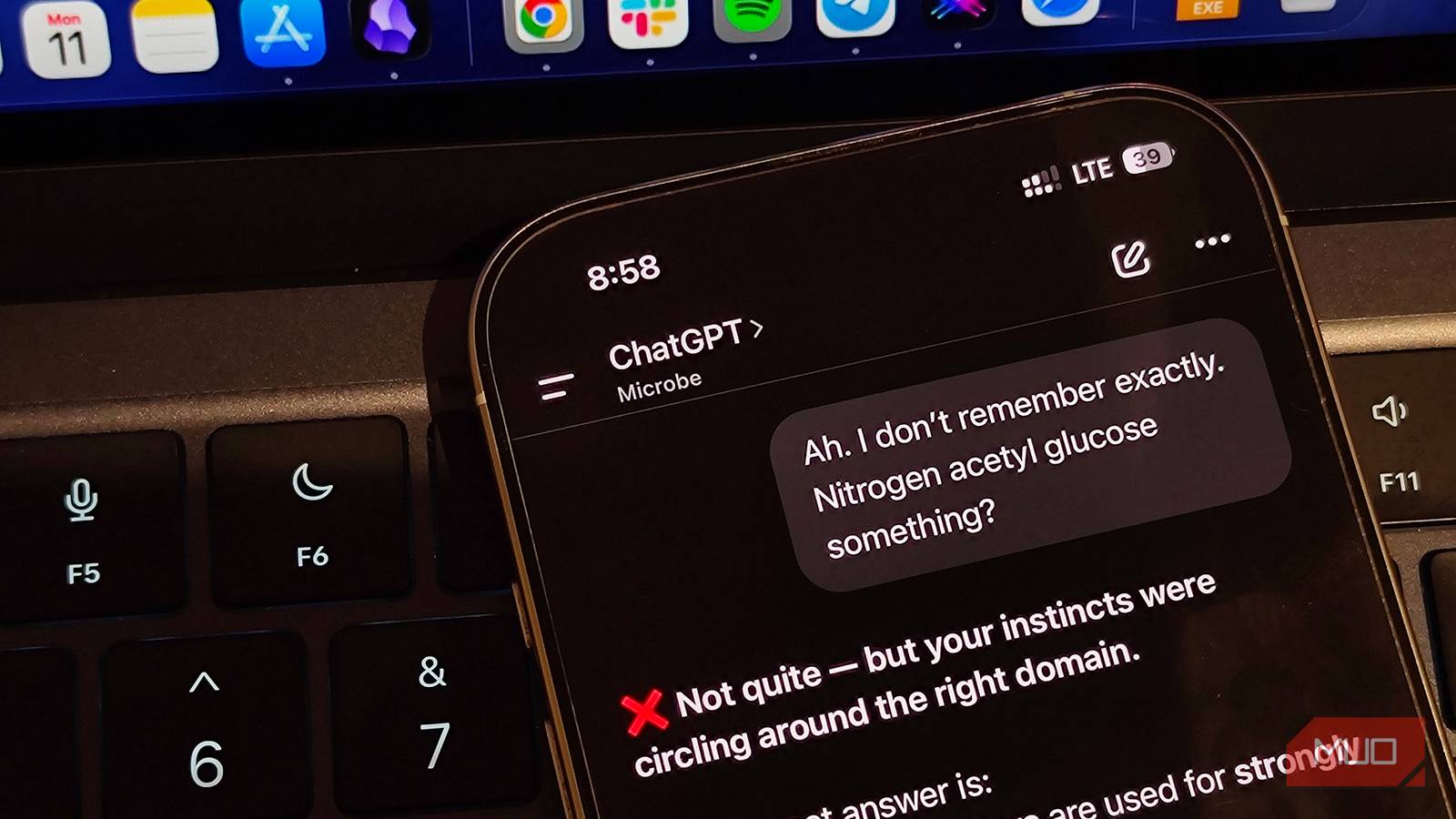
Your prompt matters in determining how good an answer you’d receive from any AI model. Vague requests can put the model off and lead to underwhelming responses. Now, the answer to a good input isn’t to belabor every point — a lean prompt with a straight-to-the-point request will instead provide you with the best response.
With the release of ChatGPT 5.6, OpenAI has released a guide to the best prompting practices that will help you save tokens, cost, and ultimately help you get a better answer.
OpenAI says shorter prompts perform better
Fewer tokens, sharper answers
For AI models, lean prompting gives the best responses, and OpenAI itself has backed that fact, requiring only relevant information in a request. The ChatGPT-maker advises removing repeated instructions and examples and simplifying tool descriptions to get a better response and save tokens.
Per OpenAI, leaner prompts can improve evaluation scores by 10–15%, reduce total token consumption by 41–66%, and reduce cost by 33–67% when tested internally.
In general, most LLMs give 26% more accurate responses with leaner prompts, as per a research paper from Brevity Constraints.
5 habits to cut your prompts
Manufacturer-recommended guide

OpenAI provided instructions on how to make prompts compact without losing their essence:
- Remove things gradually: This is more of a trial-and-error situation where you’d need to test tools and instructions by removing specifics of the prompts and finding out what matters and what is fluff.
- State instructions once: You don’t need to restate the same rules in different words, e.g., “Keep answers short and to the point and avoid any irrelevant information,” which could be “keep answers concise.”
- Expose relevant tools: This is a simple guideline not to use tools where they aren’t needed, e.g., don’t use a weather API for file editing.
- List examples only when they’re needed: AI models aren’t dumb and more often than not, examples are unnecessary, and listing them can burn through tokens. Only list examples of a specific scenario where it would actually need context to go in a specific direction.
- Don’t make conversations longer than they need to be: As the conversation grows, so does the context window. This results in more tokens being consumed due to repeated instructions and tool usage.
Overall, ChatGPT 5.6 is more concise than its predecessor, and the instructions “be concise” or “keep it short” may not always be helpful, which is why OpenAI instead recommends using text.verbosity to set levels of a response — low, medium, or high.
A good way I avoid longer conversations is by grouping multiple instructions at once (the necessary ones), or by asking ChatGPT to summarize the current conversation, feeding that response into a new chat, and continuing from there.
Decide how much ChatGPT can do without asking
Set the rules for when the AI model should act

ChatGPT 5.6 is better at handling multiple tasks at once, and without having to micromanage and guide it on permissions and freedom, you can get a grouped answer from a single prompt. However, when doing that, you should be clear about what ChatGPT should do with your content.
For instance, in a query where I might have asked ChatGPT to identify grammar and prose issues in my writing, I should clarify that it should act more like an editor and give feedback rather than giving me the corrected text. The prompt should go something like this:
Check my English literature assignment for reviewing Homer’s The Odyssey. Identify grammatical mistakes and prose issues, but don’t fix them; provide me with feedback and single out the mistakes so I can fix them myself.
However, if you’ve prompted ChatGPT to ask you for changes before it does so, it will continue doing so for every small decision; be careful, even for safe and expected actions.
Show ChatGPT the tone. Don’t name it
Tone needs directions, not adjectives

On the surface, describing the tone to the AI to shape the answer might seem like an obvious thing, but there’s a nuance. Acting as an AI model to be friendly or empathetic can sometimes backfire. Either ChatGPT will make silly jokes or sound overly empathetic in the wrong context.
Instead, shape the specific narrative for your prompt. For instance, for copywriting, instead of telling ChatGPT to be professional, I’d instruct it to “be urgent with your response to show expertise in the subject matter.” The idea is to give concrete instructions instead of vague instructions that can result in ambiguous or incomplete results.
Say less, get more
ChatGPT hasn’t lost its edge at all. Simple prompting methods make it a highly capable AI model, but what matters is whether you’re guiding it properly on what to say. You have to shape the narrative for ChatGPT by giving it the required freedom, response length, and tone.