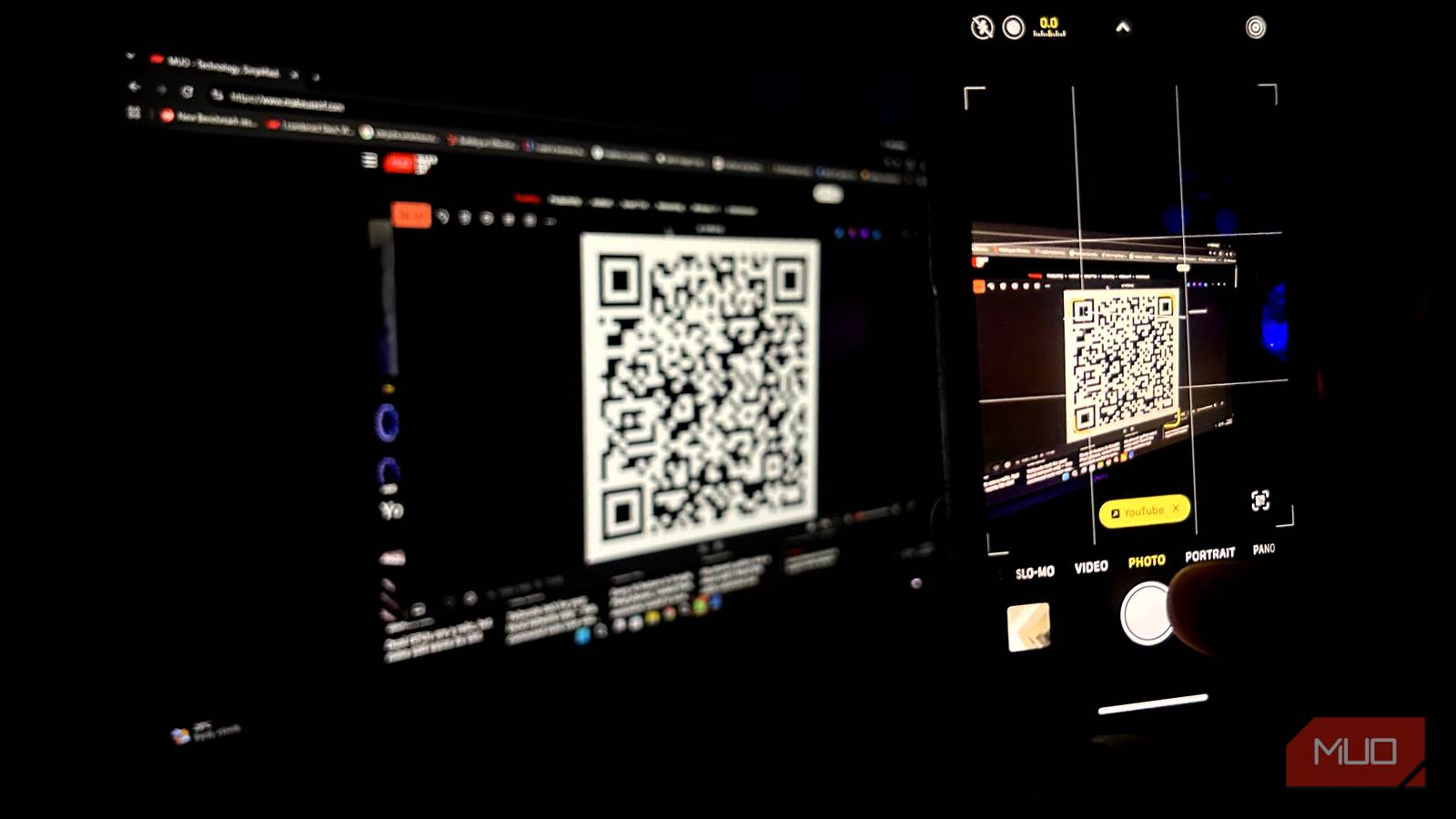
QR codes are cool, and they were supposed to make our lives convenient. Just a quick scan sends you to the intended destination, whether it’s a URL or media. However, the overreliance on QR codes has backfired — take this as an example: most restaurants and cafés have removed their physical menus and replaced them with digital menus accessible via QR codes, which I find to be quite outrageous.
Because you may see QR codes everywhere these days, most people intuitively scan them without a second thought. Scammers exploit this habit by hiding malicious links behind harmless QR codes to lure unsuspecting victims. It takes just 10 seconds to check a QR code before scanning, and doing so can prevent you from being the next victim.
How quishing turns a simple scan into a trap
Spoofed sites now fake your 2FA prompt as well
Quishing is a term used to describe phishing attacks made through QR codes, and it’s a more common problem than you may think. Take this: 73% of Americans scan QR codes without verifying what they actually do (via Fox News), and quishing attacks have increased by 146%, reaching 18.7 million detections by March 2026 (via RHI-SAC).
It makes sense, though, since QR codes are everywhere for Wi-Fi passwords, sharing social accounts, payment information at gas stations, map locations, and more. The average individual isn’t particularly wary of the security risks associated with these links and may think it’s okay to follow them, even though it isn’t.
The idea is that scammers will spoof websites behind these links or reroute you to a phishing site where they can steal your sensitive information. Scammers have also learned to bypass SMS and 2FA authentication by recreating the authentication code window as well, all while someone else logs into your account in the background.
I check these factors before scanning a QR code
Location, link preview, domain — in that order

A dead giveaway for a suspicious QR code is that it’s out of place. Now, it makes sense for a QR code to sit in a parking space or at a restaurant, but why would someone send a square scannable barcode over the internet when you can click the link and follow through? Avoid scanning QR codes in unorthodox places, like one pasted on an electrical pole, because you never know what’s actually behind it. I had a friend who almost fell for a phishing scam recently after he scanned a QR code at a gas station that promised him a fuel discount, but it actually led him to enter his card details to claim that discount — fortunately, he didn’t go through with it.
Even if the QR code seems harmless, I urge you to check the link preview before you follow through. If the domain name is mismatched, then it’s clearly a scam. Scammers use spoofing to make these phishing sites seem similar to the original by replacing a letter or two—for example, scammers may route you to Linkedln.com, which looks legit at first glance, but in reality, it has switched the ‘I’ with a lowercase ‘l’. In other cases, scammers also tweak the address, such as adding the word “login” to it, even though it may not be part of it, e.g., paypal-login.net.
Also, if you’re making payments, always open your banking app itself and scan from there instead of using your camera.
Here’s a safety net I’ve put in place even if I end up scanning the wrong one
Password manager and a hardware security key will keep you protected from being quished

Even if you accidentally were to scan a suspicious QR code, you can implement a safety net in place that will help you avoid falling victim to these attacks. A password manager won’t enter your details on a fake website. Using 2FA/MFA isn’t a real safety net since it can be tricked by a real-time proxy behind the scenes by scammers.
This is why I recommend using a hardware security key, which validates your login and won’t let you log in to your account if the domain doesn’t match its own data. Even if you were to follow up a convincing look-alike scam website, a hardware security key would outright reject the request, keeping your information safe.
Don’t let convenience override common sense
QR codes are more useful than ever, and they’re an effective but simple technology capable of holding only 3 KB of data. The actual QR code won’t steal your information, but what matters is the content inside. If you follow through, you risk having all your information stolen, since modern phishing scams have become incredibly convincing. If you can’t tell a bad link apart from a valid one, there’s a free app called Trend Micro Mobile Security (formerly Trend Micro QR Scanner) that helps you identify whether a QR code is safe to follow or not.