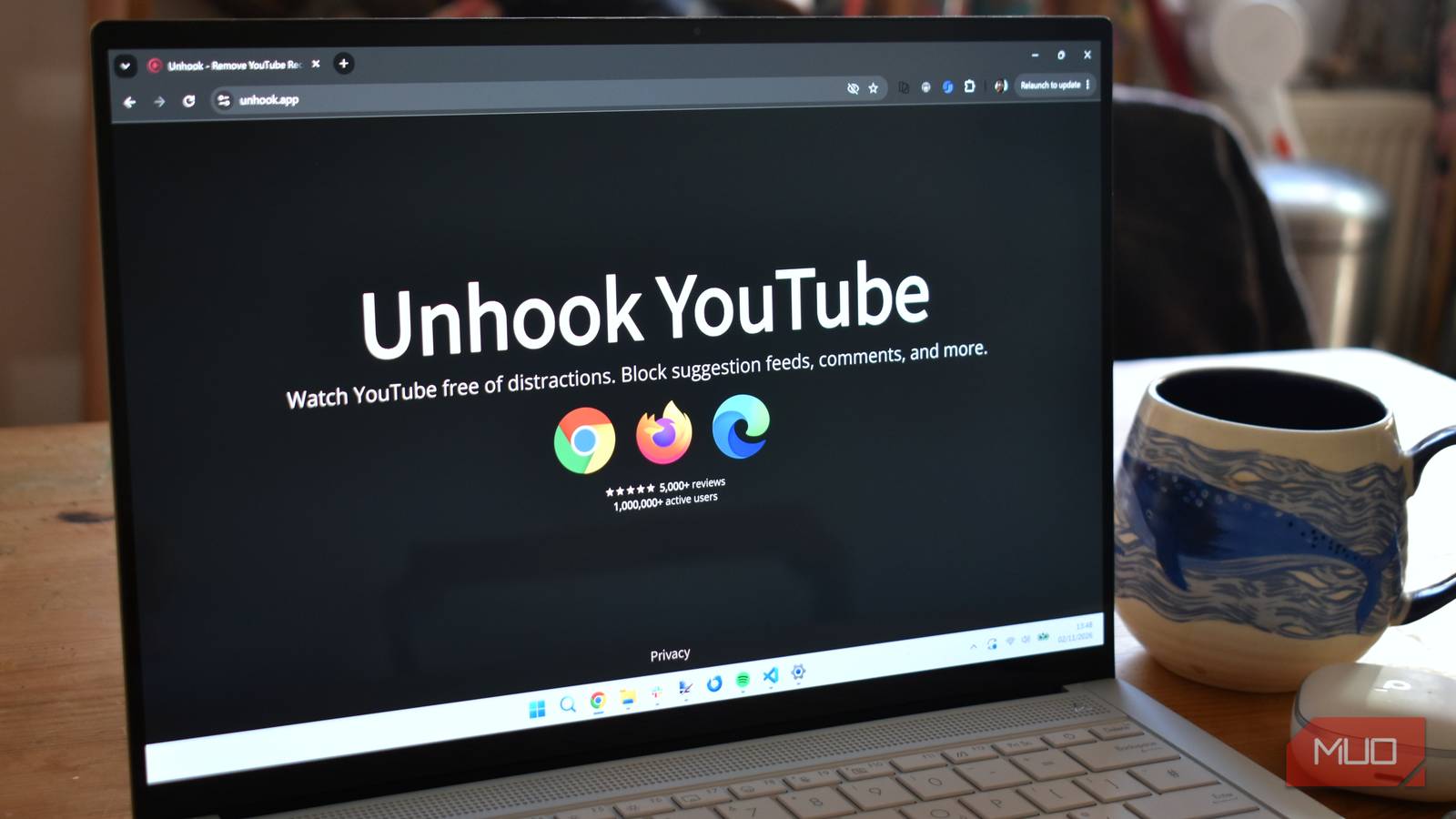
How many times have you sat at your desk with an assignment that desperately needs completing, only to find that you’ve actually opened YouTube and spent hours watching? Mindless scrolling and watching on YouTube is a real challenge.
When this happens, people usually blame their lack of willpower, short attention spans, and the tendency to procrastinate. But the truth is you are exposed to a trillion-dollar algorithm engineered by some of the brightest minds on the planet, specifically designed to hijack your dopamine system.
For years, I accepted this as the necessary cost of using one of the internet’s best video platforms. But recently, I realized that the best version of YouTube is the one Google doesn’t give you. You have to build it yourself.
Unhook lets you personalize the YouTube experience
The extension is available for a variety of browsers
Unhook is a free browser extension for desktop browsers on Windows, macOS, Linux, and ChromeOS. The desktop versions of Chrome, Firefox, and Edge should all work well. On Android, you can use Unhook by opening YouTube’s website in a browser that supports extensions, such as Firefox for Android.
I use Chrome as my primary browser on my MacBook, and my experience with Unhook has been amazing. Unhook lets you remove algorithmic recommendations and distractions from YouTube’s user interface, so you can use YouTube for research, music, and entertainment without getting distracted.
Unhook’s best feature is the sheer amount of customization options. The platform understands that everyone’s use is different and lets you design your experience.
So say if you’re a creator who needs to read comments for engagement but hates the sidebar, you can toggle the sidebar off and leave the comments on. If you actually like your curated homepage but absolutely despise YouTube Shorts, you can use Unhook exclusively as a Shorts-blocker.
You can enable individual toggles

You install Unhook as you would any other extension. Once installed, you can pin the Unhook icon so that it is visible at all times. Click the Puzzle Piece icon (Extensions) located in the top-right corner of your Chrome browser window. Find Unhook in the dropdown list and click the Pin icon next to it. The blue Unhook logo will now sit directly on your toolbar — you’ll need this later.
After you set up Unhook, you can access YouTube as you normally would. Once active, Unhook operates in the background, though you’ll need to dive into its impressive list of toggle switches to set up your experience.
You can enable or disable Unhook’s toggles to keep or get rid of the specific elements of YouTube that derail your focus. The Homepage Feed is an important one. By default, YouTube’s homepage is full of brightly colored thumbnails and clickbait titles designed to make you click.
When I toggled on the Hide Homepage Feed in Unhook, I was greeted with a near-blank screen. The only elements were the search bar at the top and the left-hand navigation menu. At first, I thought something was wrong with the website. But soon, I really started to appreciate the interface.
Compared to earlier, I can now focus on the video I wish to watch without wasting hours stumbling on new clips that I had no intention of checking out. You also get a Video Sidebar toggle that gets rid of those video suggestions on the right side of the screen.
Chances are, you won’t get distracted after finishing the video you wish to watch, as there are no elements on the screen. The YouTube Shorts toggle has been a game changer. Similar to Instagram Reels and TikTok, scrolling through Shorts is highly addictive. Enabling this option banishes Shorts entirely. This single feature is worth installing the extension for.
You also get toggles to hide the comments section completely and hide end-screen video walls and info cards. These are useful additions for an improved viewing experience.
Reclaim your attention with Unhook
After using Unhook for a week, I feel that it is one of the best tools for personalizing the YouTube experience. It doesn’t stop you from using YouTube but allows you to remove the elements that derail you.
You can still search for videos normally and watch your favorite content. But the only downside is you won’t be able to discover new content organically. So if that’s something you swear by, I wouldn’t recommend using Unhook. For anyone else who swears by YouTube but wants to cut down their screen time, Unhook is worth a try.